What is Brix36?
Brix36 turns a song you own into a music video in 30-second storyboard sections, and the same Artist DNA can act in a film. One prompt box directs the project. Library holds it, and Export or Share sends it out.
 BRIX36Coming soon on the App Store
Turn a song you own into a music video in 30-second storyboard sections. Artist DNA is the same person who acts in a film. One prompt box directs the project, then you Export or Share it.
Free to download. The app shows the credit cost before a video is made. Credit purchases are switched off in this release.
Chapter 01 · Your song
Upload a song you have the rights to use. Brix36 plans one music-video storyboard in 30-second sections. The project keeps its name, and that storyboard saves as you work.
Chapter 02 · Artist DNA
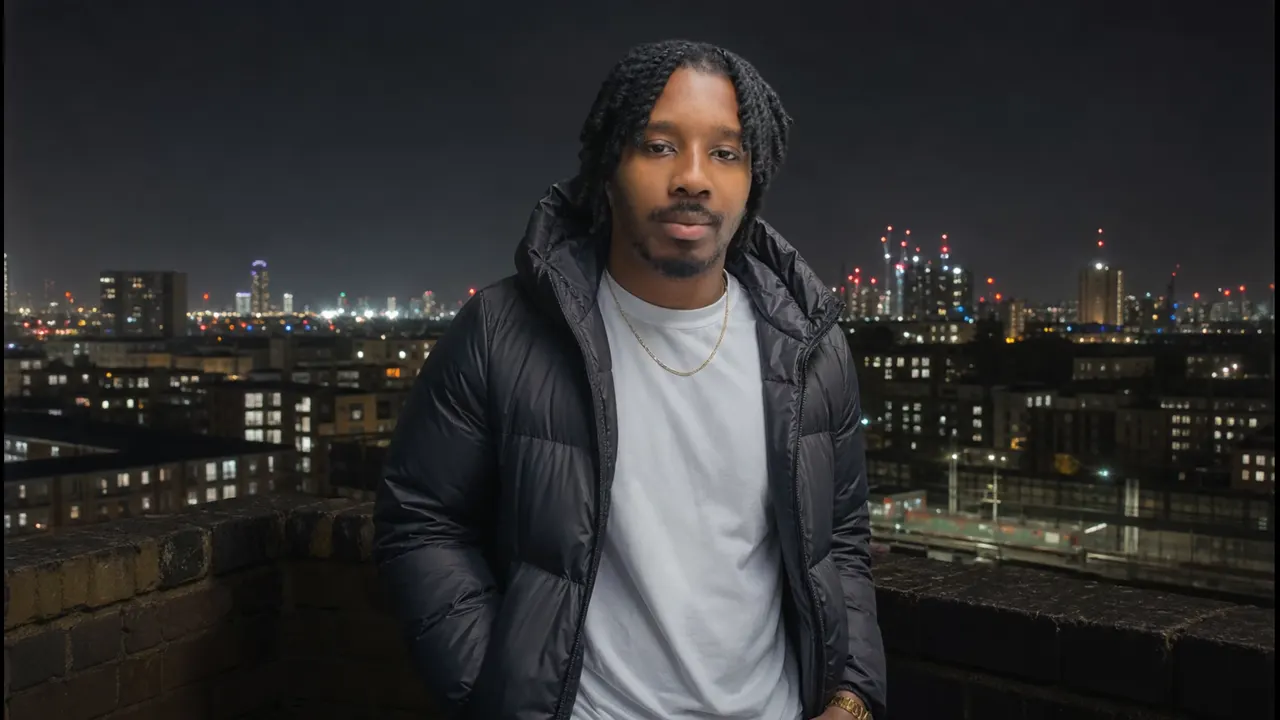
Create the artist once with a name and a photo. Use that artist in every music video.
Artist DNA is the same person who acts in a film.
Chapter 03 · One prompt box
One prompt box directs the whole video, a section, or a still. There is no Save button. The storyboard saves as you work. When it is ready, the buttons say Export and Share.
Film
A film uses Artist DNA as the actor. One storyboard per project, in sections of at most 30 seconds, up to five minutes.
Chapter 04 · Library
Library holds the project's videos, songs and references.
Films sit in that same Library.
Chapter 05 · Export, Share, credits
The app shows the credit cost before a video is made. Credit purchases are switched off in this release. Viewing a quote does not spend credits. The output buttons are Export and Share.
Brix36 turns a song you own into a music video in 30-second storyboard sections, and the same Artist DNA can act in a film. One prompt box directs the project. Library holds it, and Export or Share sends it out.
Upload a song you own. Brix36 plans one storyboard in 30-second sections. You direct it from one prompt box, and the app shows the credit cost before a video is made.
Yes. A film uses the same Artist DNA as the actor. It has one storyboard, in sections of at most 30 seconds, and can run up to five minutes.
One prompt box directs the whole video, a section, or a still. The storyboard saves as you work. The output buttons are Export and Share.
Artist DNA is your artist's profile, and the same record is the actor in a film. Start from a name and a photo, and reuse that artist across your projects.
Brix36 is free to download. The app shows the credit cost before a video is made. Credit purchases are switched off in this release, and viewing a quote does not spend credits.
Yes. Only upload music, photos, videos and likenesses you own or are authorised to use.
Yes. Brix36 is made for iPhone, iPad and Android. The new Brix36 is coming soon to the App Store and Google Play.
Brix36 starts from a song you own and plans one storyboard in 30-second sections, directed from one prompt box, with one Artist DNA. It does not generate the song. Higgsfield, CapCut, Kaiber and Runway are other video tools. The same Artist DNA can act in a film.
Yes. Upload a song you own. Brix36 does not generate the song.
Yes. Artist DNA starts from a name and a photo, and that person is the artist in the music video. The same Artist DNA can act in a film.
Brix36 works with ChatGPT, Claude, Gemini, Gemini CLI, Copilot Studio, GitHub Copilot, Cursor, Windsurf, Perplexity, Grok, Raycast, Zed and Mistral Vibe. Add the server address in an assistant that accepts a remote connection, then sign in. Paid videos always confirm the price in Brix36 first.
Use Brix36 in your AI assistant
Add the server address in an assistant that accepts a remote connection, then sign in. Each menu below is the path that vendor documents today.
https://api.brix36.com/mcp
Paid videos always confirm the price in Brix36 first.
Web, desktop, and mobile.
Web, on a paid plan.
Terminal.
Terminal.
Command line.
With GitHub Copilot.
Editor.
Account connectors.
Agent builder.